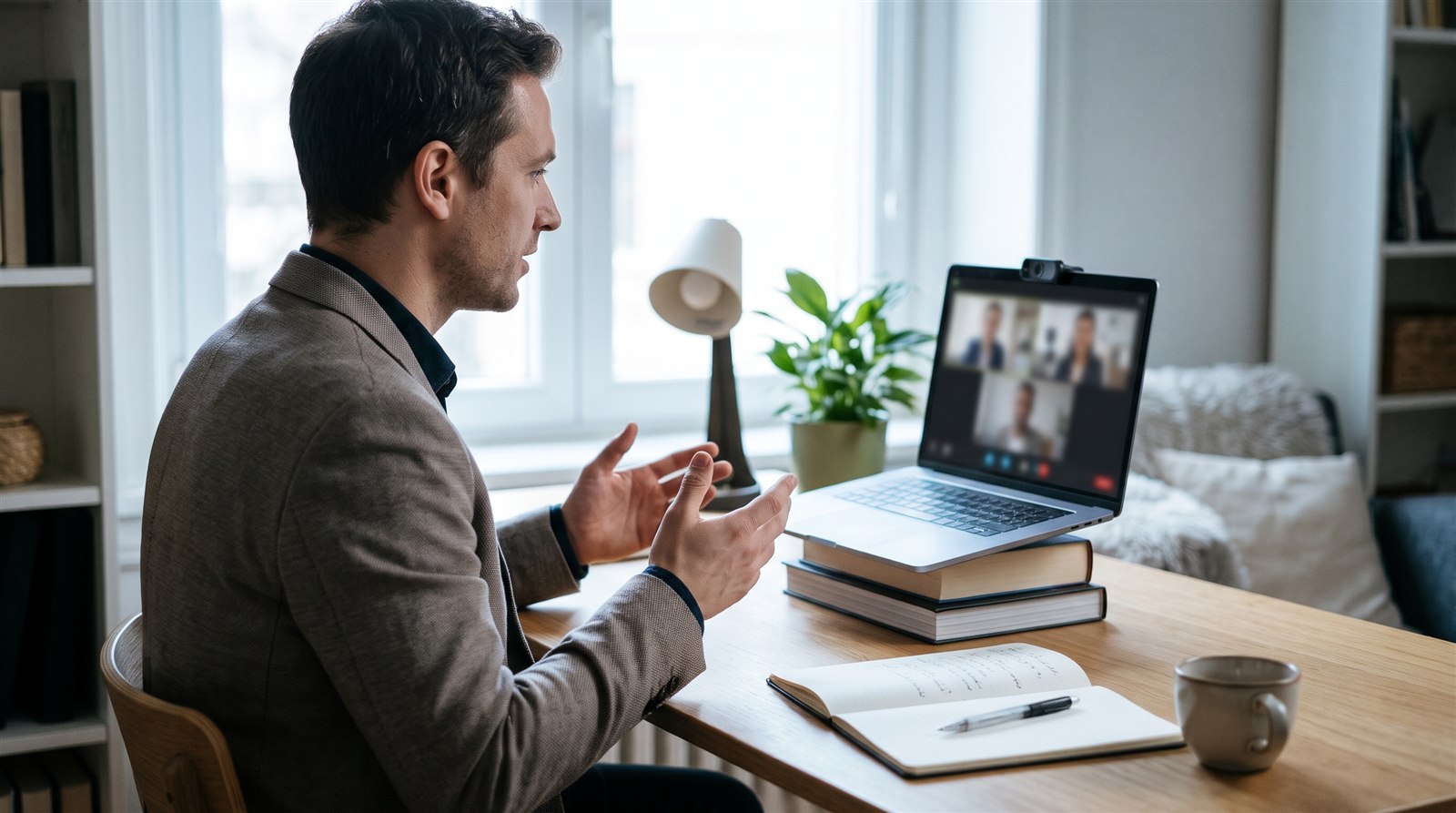
Video Interview Etiquette: The Small Things That Count
A timed checklist for video interview etiquette: when to join, how to handle mute, backgrounds and interruptions, with word-for-word scripts for the four awkward moments.
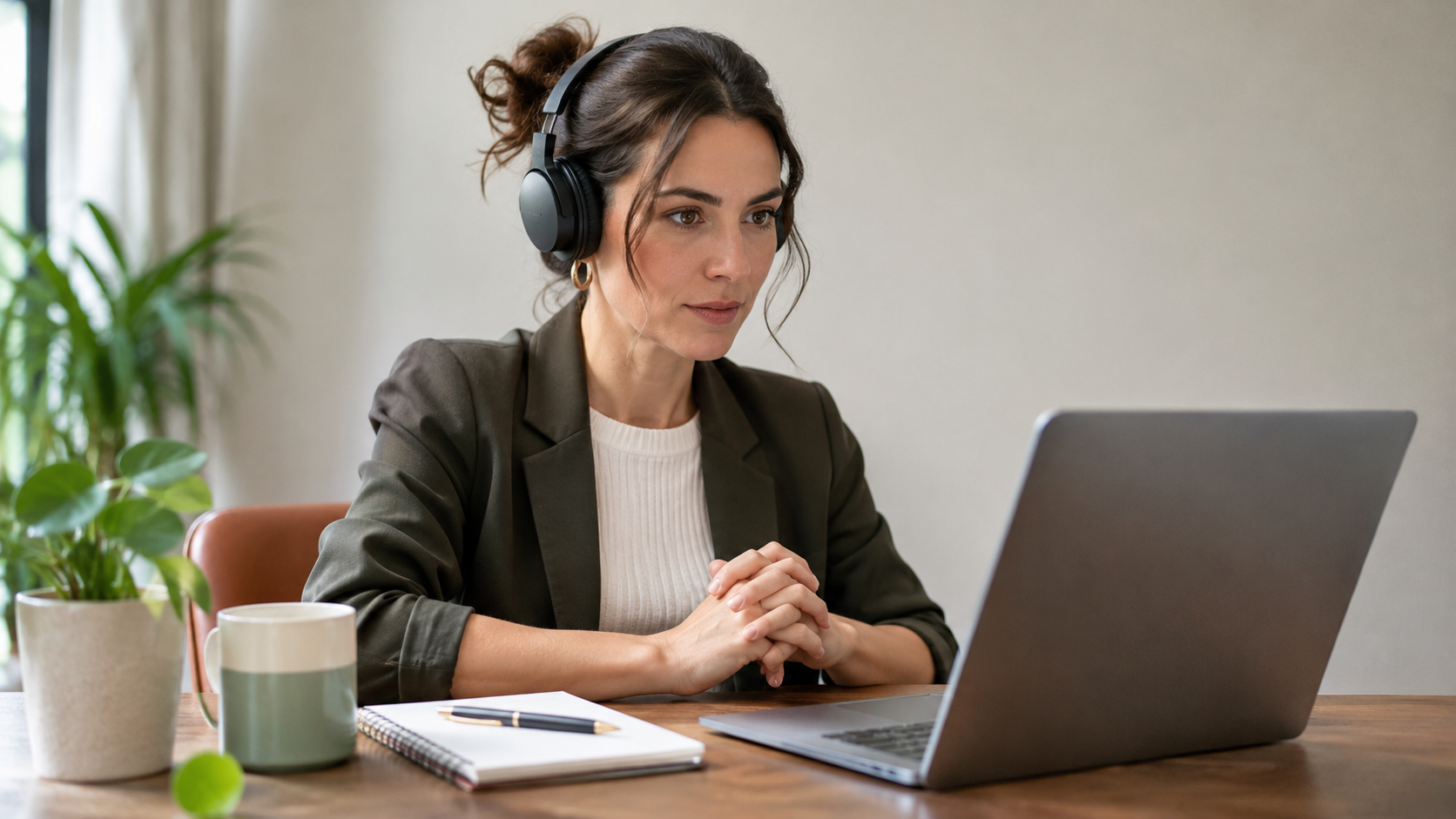
Video interview etiquette comes down to three habits: join two to three minutes early with your mic muted and camera on, keep your setup boring (plain background, one light source in front of you, phone silenced and out of reach), and narrate small disruptions instead of going silent. If someone walks in, mute, say one calm sentence, and deal with it in under ten seconds. These details matter because they remove reasons for the interviewer to think about anything except your answers.
Video interview etiquette: join two minutes early, not ten
Two to three minutes early is the target. It is enough buffer to fix a link or a passcode problem, and short enough that you are not sitting in a waiting room while the interviewer finishes another call.
In the waiting room:
- Camera on, mic muted. You want to be visible and ready the moment you are admitted, with no on-camera fiddling.
- Name set to your full name. A display name like "MacBook Pro" or a first name only makes you harder to place.
- No chatting in the meeting chat unless the interviewer writes first. A stream of messages while they are still on another call often reads as pressure.
The common mistake is joining fifteen minutes early and then messaging "I'm here!" every few minutes. Join once and wait quietly. If you are running late, join as soon as you can, say one sentence — "Sorry, my connection dropped, I'm ready now" — and move on. A long explanation makes a small delay the main topic of the call.
The day before and 30 minutes before
Most video interview etiquette problems are solved before the call starts. Run these two lists in order.

The day before:
- Test the meeting link, the app, your mic, your camera and any virtual background on the same device you will use.
- Confirm the meeting time in your own time zone, and put it in your calendar with the link attached.
- Tell everyone at home the start and end time of the call, and put a note on the door.
30 minutes before:
- Close chat apps and silence your phone.
- Clear the desk in frame: no mail, no documents, no other people's screens.
- Put water within reach and a notepad with five bullet points, not a full script.
- Check the camera preview once: head and shoulders, a closed door behind you, nothing readable.
Mute, camera and the first thirty seconds
Your default state is mic muted until the interviewer greets you. Unmute when you start speaking, and re-mute after a long answer: background noise you stopped noticing an hour ago is still arriving in their headphones.
Answering while still muted is the most common video interview mistake. Watch the interviewer's face or the "you're muted" prompt, unmute, and use the muted-recovery line in the scripts below. Then restart the answer from the top, not the middle. A half-answer resumed mid-sentence is harder to follow than a clean restart.
If you need the camera off for a documented reason, say so before the call, not during it. An unexplained dark square at the start is a distraction you cannot clear up in the moment.
Backgrounds: plain wall beats a clever virtual one
The decision rule is simple: a real, tidy wall or a blurred real room reads better than a virtual background that cuts out your hair or hand edges. Virtual backgrounds fail at exactly the edges a viewer's eye goes to.
If you must use one, test it the day before on the same app and device, and check two things:
- The edge around your shoulders, hair and glasses. Flickering or eaten edges are what make a virtual background look improvised.
- Readable text behind you. Mail previews, whiteboards and other people's screens should not be legible in frame.
What belongs in frame: your head and shoulders, a closed door behind you, and nothing with readable text. The mistake to avoid is a bookshelf arranged to look impressive that still holds a personal photo or a document. Clear the frame rather than rearranging it.
When someone else walks into the room
Here is the sequence, worked through. A candidate is mid-answer on a behavioural question when a housemate opens the door.
- Mute. One click, immediately.
- Turn to the person and say one sentence: "I'm on an interview, give me two minutes."
- Turn back to the screen.
- Unmute.
- One-sentence apology: "Sorry about that — where were we?"
- Resume from the last complete point, not from the middle of a sentence.
Why mute first: the interviewer hears your microphone, not the room, so a muted aside is not part of your answer. What not to do: keep talking while gesturing at the person, or leave the frame without saying anything. Both can read as chaos on the other end.
Prevention is cheaper than recovery. Put a note on the door, set your phone to silent, and tell everyone at home the start and end time of the call.
Here is how the resume sounds in practice, as an illustrative example. The candidate is applying for a project coordinator role and is describing a product launch that slipped.
"…so we moved the launch date by two weeks, and what I did next was—"
(Housemate opens the door. The candidate mutes, turns, says: "I'm on an interview, give me two minutes." Turns back, unmutes.)
"Sorry about that — where were we? Right, the launch date moved by two weeks, and what I did next was rebuild the schedule around the two suppliers who were still on track. I told the sales team the new date the same afternoon, before the old one had spread any further, and we shipped the first batch on the revised day."
The resume repeats the last complete point — the two-week slip — before adding anything new. That one clause is what lets the interviewer reconnect without asking you to start over. It also invites a follow-up about how the suppliers were chosen, so have that detail ready.
Sounds, notifications and the desk you can't see
Silence the phone and close chat apps on the same machine you are interviewing from. A notification sound tends to carry further on a call than it would in person.
Headphones with a mic beat laptop speakers: fewer echoes, and no feedback loop when the interviewer speaks. Keep water within reach and a notepad with five bullet points, not a full script. Reading a script on camera usually shows in the eyes; see where to look on camera for the eye-line habit that pairs with this.
Typing loudly during the interviewer's question is the quiet mistake here. Write short words, or wait until they finish.
The four scripts to have ready
These are the moments worth rehearsing word for word, because improvising under pressure is what makes them visible.
Joining late: "Sorry I'm late — I had a link problem. I'm ready now, and thanks for waiting."
Answering while muted: "Sorry — I was muted. Here's my answer from the start."
Someone walking in: "Sorry about that — where were we?"
A background or connection problem mid-answer: "My connection just dropped for a second. Let me pick up from my last point."
Each script does the same job: it names the problem in one sentence and hands the floor back. None of them apologises twice. For a longer drop, keep the calm recovery script when video freezes nearby.
Ending the call without an awkward tail
Ask one prepared question, thank the interviewer by name, and confirm the next step they mention rather than asking "so what happens now?". If they say a decision comes next week, repeat it back once.
Wait for the interviewer to leave first, then close the app. Do not start talking to someone in the room while still connected. Lingering in the meeting after goodbye is the tail to avoid: leave the call rather than minimising it.
Send a short thank-you note the same day, referencing one specific thing discussed, in three sentences or fewer. If you want a fuller run-through of the day before, the day-before interview checklist covers the setup this article assumes.
The one rule to rehearse before the call
Rehearse the interruption sentence out loud once: "Sorry about that — where were we?" It is the single line that turns a disruption into a non-event. The rest of video interview etiquette is setup you can do in the five minutes before the call; this sentence is the part you cannot. If you use any AI preparation tool, treat its suggestions as prompts to check, not answers to read — it can be wrong, and the words on the call need to be yours.
Frequently asked questions
Should I look at the camera or at the interviewer's face on screen?
Look at the camera when you are speaking and at the screen when they are. The camera gives the impression of eye contact; the screen lets you read their reaction. You will not hold either perfectly, and that is fine. Pick one habit — camera on your opening sentence — and let the rest be natural.
Is it rude to have notes on screen during a video interview?
No, brief notes are normal and reasonable to bring. Keep them to a few bullet points in a window you glance at, not a script you read. If your eyes track line by line, it shows. Say nothing about the notes unless asked; if asked, describe them honestly as reminders.
What should I do if my internet drops in the middle of an answer?
Rejoin and say one sentence to name the drop, then resume from your last complete idea. If it happens twice, offer to turn your camera off to free bandwidth, or to finish by phone. If you cannot rejoin at all, type a one-line note in the meeting chat so the interviewer knows you are still there.
Do I need to dress formally from the waist up for a video interview?
Dress as you would in person, at least from the waist up, because you may stand or reach off-screen. Check the top half in your camera preview before you join — fine stripes and tight checks can shimmer on video, so a solid colour is the safer choice. When in doubt, match the organisation's usual dress rather than guessing at something more casual.
Is it okay to ask the interviewer to repeat a question on a video call?
Yes. Audio compression and delay make video calls harder to follow than a room, so asking once is reasonable. Say "Could you repeat the last part?" rather than guessing at the question. Guessing and answering the wrong question costs more than one polite request.
Preparing for a video interview? See how AI Interview assistant works.